The New Visitor May Be a Tool Call
MCP traffic security sounds like something only enterprise IT teams should care about, right up until an AI agent starts connecting to business tools nobody approved, pulling from systems nobody inventoried, or routing a customer-facing task around the safeguards humans rely on.
That is the owner-level issue. Not the acronym. Not whether your website is “agentic” enough to impress a conference panel. The real question is: can AI systems help customers without creating new security or operational messes?
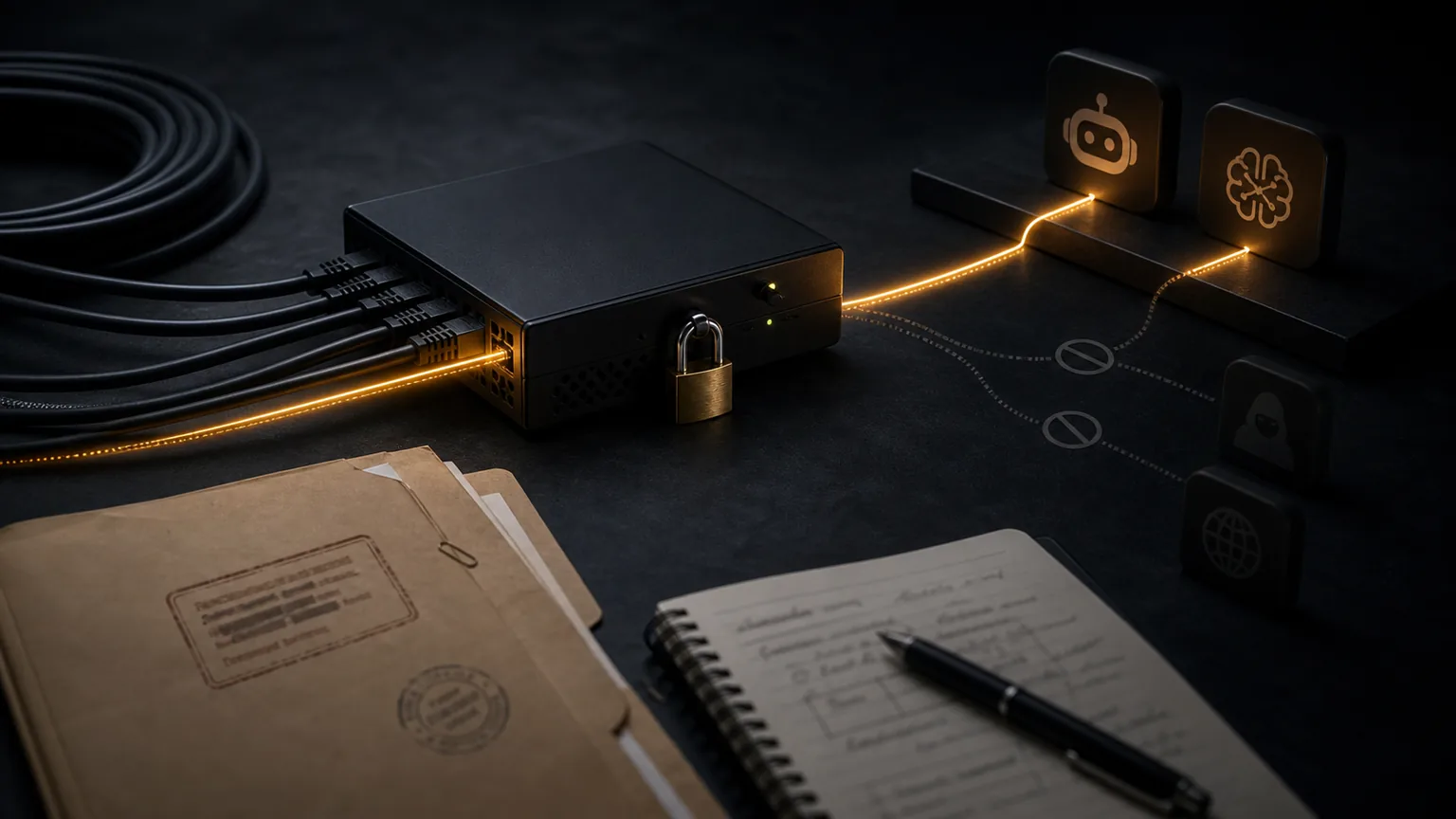
Cloudflare recently explained how it detects Model Context Protocol traffic using protocol-level heuristics and how security teams can identify shadow MCP usage, route approved servers through a portal, and block direct unmanaged connections on protected network paths (https://blog.cloudflare.com/mcp-security-updates/). Translate that into normal business English: AI tools are starting to talk to other tools, and businesses need to know which conversations are happening.
For AI visibility, recommendation readiness is no longer just “can a crawler read our page?” Increasingly, the next question is “can an assistant safely use the business capability behind the page?” Calls, bookings, quotes, inventory checks, support workflows, and CRM actions are more exciting than a static page. They are also easier to make expensive if nobody is watching. Funny how that works.

What MCP Traffic Security Means
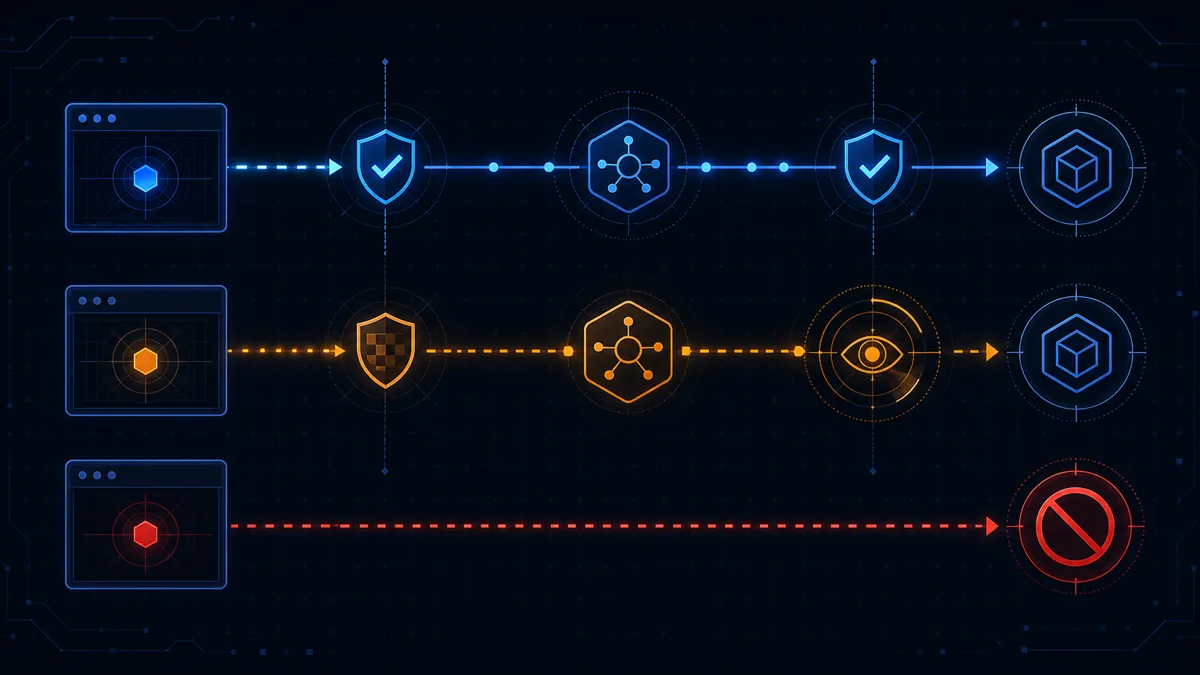
MCP traffic security is the practice of detecting, routing, allowing, limiting, and logging Model Context Protocol connections between AI agents and the tools or data sources they can use. The goal is not to block every AI workflow by default. The goal is to separate useful, approved agent access from shadow connections that nobody can explain after something goes sideways.
MCP is part of the shift from AI systems that only answer questions to AI systems that can take actions through tools. That action might be harmless, like searching documentation. It might be operational, like checking appointment availability. It might be risky, like pulling customer records or triggering a workflow that used to require a trained employee.
The visibility lesson is simple: being accessible to AI systems is useful only when the access is intentional.
Google’s guidance for AI features still points site owners toward making content available, useful, and eligible for Search systems rather than chasing a special AI-only trick (https://developers.google.com/search/docs/appearance/ai-features). Google Search Essentials also emphasizes building sites that users and search engines can access and understand (https://developers.google.com/search/docs/essentials). That foundation still matters. But agent access adds a second layer: what can AI systems do after they understand you?
Why Business Owners Should Care Now
For most owners, MCP traffic will not show up as a neat line item labeled “future customer assistant doing something delightfully futuristic.” It may appear as unusual tool usage, unexpected API calls, employees experimenting with unapproved connectors, or vendors adding AI workflows before anyone updates the risk checklist.
That creates three business risks.
Customer trust risk
If an AI-assisted workflow returns old pricing, exposes the wrong availability, gives a customer an inaccurate next step, or touches private data, the customer does not care that the protocol was technically fascinating. They care that your business looked sloppy.
Revenue leakage risk
Useful agent workflows can reduce friction. A buyer might ask an assistant to compare providers, confirm a service area, check requirements, or help book an appointment. If your business blocks every automated path without understanding which ones support customer decisions, you may hide from buyers who were trying to choose you.
Operational control risk
Shadow AI tools spread because they are convenient. Someone connects a useful assistant to a document store. Someone else adds a calendar workflow. A vendor adds a support connector. Individually, each move may feel reasonable. Together, they become a small parade of “wait, who gave it access to that?”
A Practical MCP Readiness Checklist
Nugentive would not treat MCP security as a separate nerd closet. It belongs inside a broader AI visibility and operations audit: what can find you, what can understand you, what can trust you, and what can safely act on that understanding.
Start with these checks.
- Inventory the tools AI can touch. List internal apps, public website tools, booking systems, quote forms, document repositories, support platforms, CRMs, calendars, and data sources that may be reachable through AI assistants, plugins, connectors, APIs, browser agents, or employee-installed tools.
- Classify the action risk. Reading a public FAQ is different from seeing customer files. Checking generic appointment slots is different from booking on behalf of a customer. Separate read-only, low-risk actions from sensitive data access and irreversible business actions.
- Route approved access through controlled paths. Cloudflare’s example focuses on identifying MCP requests and enforcing access through approved gateways instead of letting direct connections wander around unmanaged (https://blog.cloudflare.com/mcp-security-updates/). The general principle is bigger than one vendor: approved agent traffic should have a known route, policy, and log trail.
- Use least privilege. An AI workflow should get only the access needed for the task. If a scheduling assistant needs available time slots, it does not need every customer note in the CRM. Shocking, I know.
- Log prompts, tools, sources, and outcomes. When something goes wrong, “the AI did it” is not an incident report. Record which agent or workflow made the request, which tool it used, what data it touched, and what action happened.
- Keep humans in high-risk loops. Quote approvals, account changes, refunds, legal commitments, medical or financial advice, and sensitive customer communications should not quietly become one-click agent actions because someone liked a demo.
- Test for instruction abuse. Agent-connected tools should be checked for prompt injection, malicious instructions inside documents, overly broad permissions, and workflows that treat untrusted content as commands.
How This Connects to AI Visibility
AI visibility is not only about whether ChatGPT, Gemini, Perplexity, or Google’s AI features mention your brand. It is about whether systems can retrieve, understand, trust, cite, recommend, and eventually help a customer act on your business.
That last step is where MCP-style access becomes relevant. A future customer may not simply ask, “Who is the best provider?” They may ask an assistant to compare providers, check service areas, summarize reviews, confirm availability, prepare a quote request, or start a booking. If your public information is clear but your action layer is unavailable, inconsistent, or unsafe, you may win the answer and lose the customer handoff.
OpenAI’s crawler and user-agent documentation separates different bot roles, including crawlers used for training or search and user-triggered fetch behavior (https://platform.openai.com/docs/bots). That distinction is a useful reminder: some traffic reads, some retrieves, and some may act through tools. Your policy should not treat every machine request as identical just because “bot” is a convenient bucket.

Mistakes That Make MCP Traffic Riskier
The first mistake is blocking all AI-related access without understanding customer impact. Some automated access may be noisy or unwanted. Some may support buyers who are trying to evaluate, contact, or choose you. Treating both the same can protect the wrong thing.
The second mistake is allowing every connector because “AI productivity.” Helpful tools can still create unmanaged risk when they touch customer data, internal documents, or business actions.
The third mistake is confusing crawlability with authorization. A page being visible to AI systems does not mean an agent should be able to use every tool behind it. Reading your service page and changing a customer appointment are different planets.
The fourth mistake is measuring only traffic volume. Cloudflare and others keep pointing out that machine traffic is becoming a larger share of internet activity. The useful business question is not only “how many bots visited?” It is “which machine requests create opportunity, which create risk, and which ones are just expensive noise?”
The Bottom Line
MCP traffic security is a practical control layer for the agentic web. As AI systems move from reading pages to using tools, businesses need to decide which agent actions are useful, which are unsafe, and which should never happen without a human in the loop.
This is not a reason to panic or bolt six random security products onto your website before lunch. It is a reason to inventory access, classify risk, route approved traffic, log activity, and make sure customer-facing AI workflows support trust instead of undermining it.
The visibility win is not “let every AI agent in.” The visibility win is becoming easy to find, easy to understand, easy to verify, and safe to act on. That is how AI visibility turns from a mention in an answer into a customer who can actually choose you.