
The Fetch Bot Confusion Is Not Just Nerd Drama
ChatGPT-User robots.txt confusion comes from one awkward fact: not every AI-related request is the same kind of crawler request. Some bots build search indexes. Some support model training. Some fetch a page because a user asked an assistant to look at it.
The practical issue for business owners is simple: if your site depends on AI visibility, you need to know which bots you are controlling, which requests are customer-triggered, and where robots.txt stops being the whole answer.
Search Engine Journal reported fresh attention on OpenAI’s documentation after data showed ChatGPT page-fetching behavior reaching sites that had disallowed certain OpenAI bots (https://www.searchenginejournal.com/openai-says-robots-txt-may-not-apply-to-chatgpts-fetch-bot/585864/). The useful takeaway is not “panic and block everything.” It is “stop treating one robots.txt rule like a complete AI visibility policy.” Charming that we needed the reminder, but here we are.
Why ChatGPT-User Is Different From GPTBot
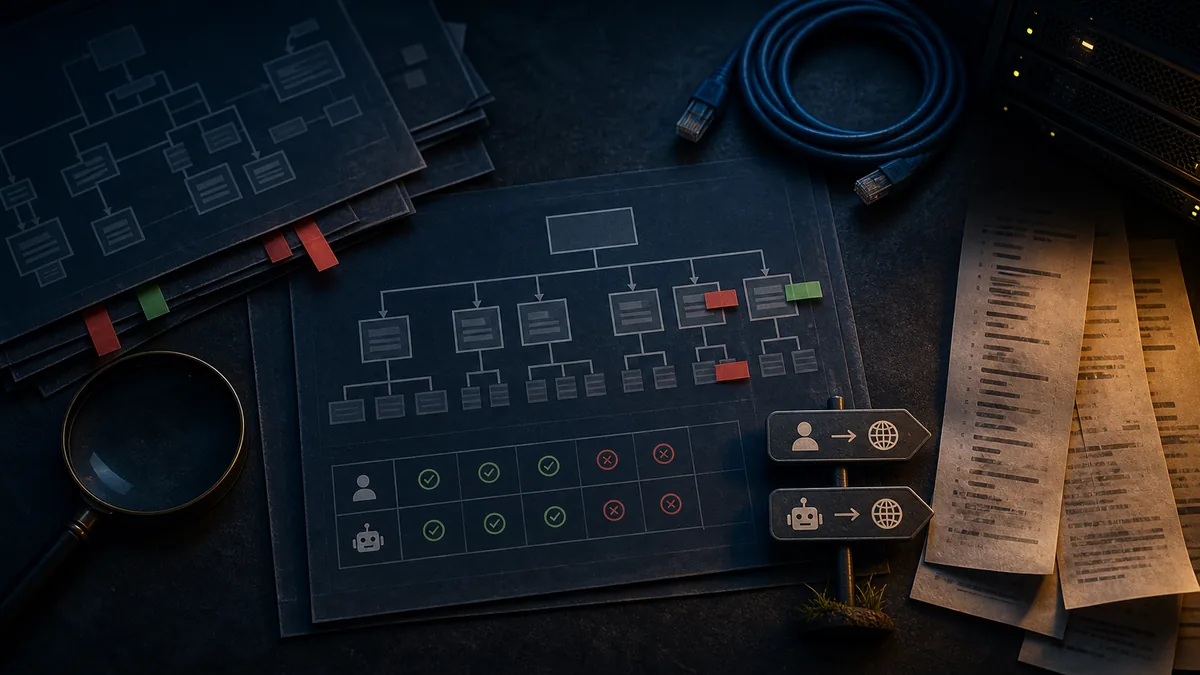
OpenAI’s bot documentation separates several user agents and use cases. It says OAI-SearchBot and GPTBot robots.txt tags help webmasters manage how sites and content work with AI. OpenAI gives the example that a site owner can allow OAI-SearchBot to appear in search results while disallowing GPTBot to signal that crawled content should not be used for training foundation models (https://developers.openai.com/api/docs/bots).
That distinction matters because GPTBot, OAI-SearchBot, and ChatGPT-User do not all do the same job.
GPTBot is associated with crawling that may be used to improve models. OAI-SearchBot is associated with search discovery and can affect whether content appears in OpenAI search results. ChatGPT-User is described by OpenAI as a user agent used for certain user actions in ChatGPT and Custom GPTs. OpenAI’s documentation says ChatGPT-User is not used for automatic web crawling and is not used to determine whether content may appear in Search. It also says that because these actions are initiated by a user, robots.txt rules may not apply.
That last sentence is the source of the current confusion. A business may think, “We blocked OpenAI in robots.txt, so ChatGPT can never fetch our pages.” OpenAI’s docs describe a more nuanced reality: search indexing controls and user-triggered fetch behavior are different categories.
For owners, the difference is not academic. A customer might ask ChatGPT to summarize a page, check a resource, compare providers, or interact with a Custom GPT connected to outside services. That can produce a live page request that is not the same thing as an automatic crawler quietly building an index.
Robots.txt Is a Policy Signal, Not a Force Field
Robots.txt is useful. It is also not a security system, a privacy wall, a contract lawyer, or a tiny bouncer with a clipboard.
Google’s robots.txt documentation describes it as a way to control crawler access to URLs for compliant crawlers; it also notes that robots.txt is not a mechanism for keeping a web page out of Google if other pages link to it, and it does not prevent other sites from linking to blocked URLs (https://developers.google.com/search/docs/crawling-indexing/robots/intro). In other words, robots.txt is about crawl instructions, not universal content invisibility.
That same mental model applies to AI visibility. Robots.txt can express preferences to known automated crawlers. It can help you separate training, search indexing, and other crawler use cases when providers publish user-agent controls. But it does not answer every question about user-triggered fetches, browser-like requests, CDN rules, WAF challenges, copied content, licensed data, screenshots, third-party citations, or what customers do with public pages.
If content is publicly accessible on the web, assume it may be requested by humans, browsers, tools, assistants, and systems acting on behalf of users. That does not mean every request is acceptable or desirable. It means robots.txt alone is too small a box for the whole problem.
What This Means for AI Visibility
The owner-facing question is not “Should we block OpenAI?” That is too blunt. The better question is: what access do we want for discovery, recommendation, customer service, content protection, and server health?
If you block the wrong crawler, you may reduce the chance that your useful pages are retrieved or represented in AI-assisted search. If you allow everything, you may invite unwanted load, scraping, or data use you did not intend.
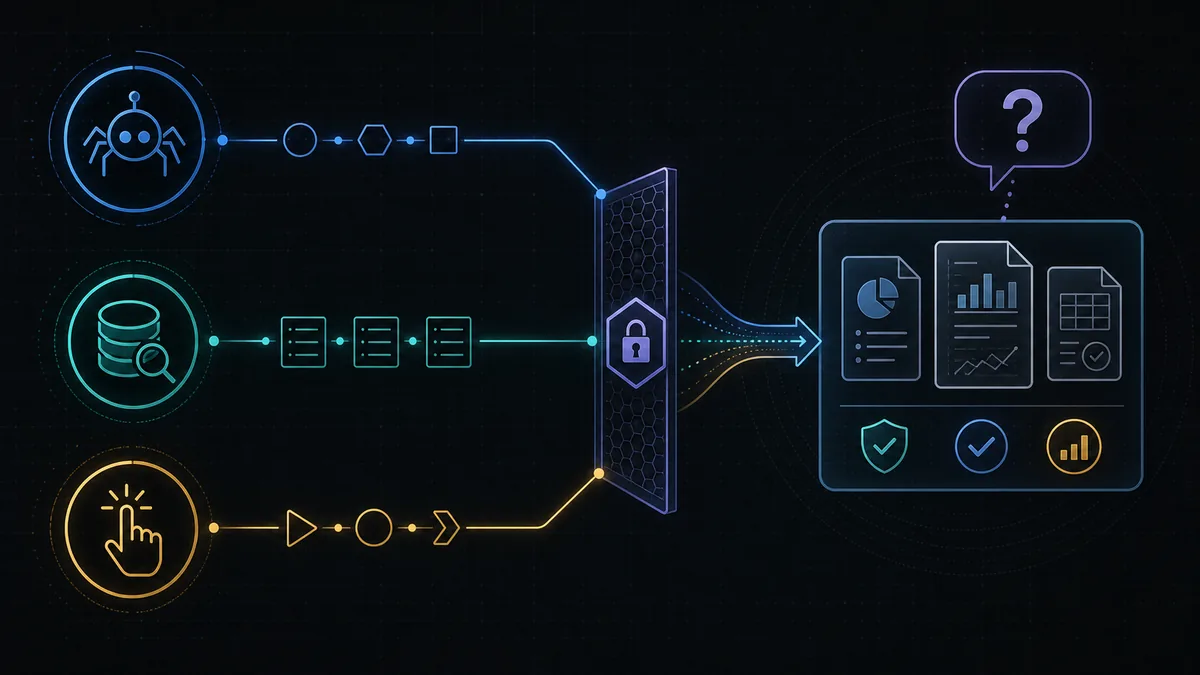
A practical AI visibility policy should separate three jobs.
Search discovery
If you want your business to appear in AI-assisted search experiences, inspect the bots tied to search discovery. For OpenAI, that means paying attention to OAI-SearchBot rather than assuming every OpenAI-related user agent has the same role. For Google and Bing, keep normal search crawler access healthy because AI features often depend on search systems being able to access and understand content.
Model training and content use
If your concern is whether public content may be used to train or improve models, review provider-specific controls such as GPTBot. Do not assume that blocking a training crawler also blocks search inclusion, customer-triggered fetches, or third-party sources that already mention your business.
User-triggered access
ChatGPT-User sits in this more awkward bucket. OpenAI says it is tied to certain user actions, not automatic crawling, and robots.txt rules may not apply. That means your decision-making needs to include server controls, public-page strategy, authentication, rate limits, and the business value of letting customers use AI tools to interact with your public information.
The Business Risk Is Bad Access Strategy
Too much of the AI crawler conversation turns into “allow everything” versus “block everything.” Dramatic. Not useful.
A local contractor, clinic, law firm, accountant, restaurant, or consultant has pages that should be easy to retrieve: services, locations, hours, proof, reviews, process, pricing context, policies, and contact paths. Those pages help customers choose. They also help AI systems understand the business when someone asks for a recommendation.
The revenue problem appears when a company applies a broad AI block without knowing what it blocked. Suddenly the business is less available to systems that could help customers find it, while still not meaningfully protecting anything sensitive. That is the marketing equivalent of turning off the sign and leaving the back door open.
A Practical Check for Site Owners
Before changing robots.txt because of one headline, run a short access review.
- Pull the live robots.txt file and list rules for GPTBot, OAI-SearchBot, ChatGPT-User, Googlebot, Bingbot, PerplexityBot, and any other bots relevant to your strategy.
- Compare those rules to your actual business goal: search discovery, model-training restriction, server load management, content protection, or all of the above.
- Review server, CDN, or WAF logs to see which user agents are actually requesting important pages.
- Test whether core service, location, proof, and contact pages are accessible to normal search crawlers.
- Identify anything public that should not be public and protect it with real access controls, not just a polite text file.
- Document which bot rules are intentional so the next plugin update, developer handoff, or “quick SEO fix” does not quietly reverse them.
This is not about making your site wide open. It is about being deliberate. AI visibility work should make your business retrievable, understandable, trusted, cited, and recommended where that helps customers choose you. Access policy is one part of that job, not the whole circus.

Common Mistakes With ChatGPT Bot Blocking
The first mistake is assuming GPTBot, OAI-SearchBot, and ChatGPT-User are interchangeable. Provider naming is not exactly beach reading, but the distinctions matter.
The second mistake is using robots.txt as security. If a page contains information that should not be public, do not publish it publicly and hope every bot behaves. Hope is not an access-control architecture.
The third mistake is chasing AI visibility while blocking the evidence customers need. Your best service pages, reviews, location information, FAQs, and proof assets should be accessible unless you have a clear reason otherwise.
The Bottom Line
ChatGPT-User robots.txt confusion is a sign that AI visibility has moved beyond the old “crawl or no crawl” conversation.
Robots.txt still matters. It helps express crawler preferences and manage specific automated bots. But it does not give business owners a complete policy for AI search, user-triggered fetches, content protection, or customer discovery.
The right move is not panic. It is inventory: which pages should AI and search systems be able to retrieve, which bots support that goal, which uses do you want to restrict, and which content needs real protection beyond robots.txt?
If your customers are using AI systems to find, compare, and check businesses, your access strategy now has revenue consequences. Make the useful evidence easy to retrieve. Protect what genuinely needs protection. And please do not let one copied robots.txt snippet decide whether future customers can find you.